 08/02/2026
 BUILDLAB
 5 min read
Video Intercom Systems for Apartments: How Modern Unlock Methods Actually Work
A video intercom that only rings a wall-mounted handset inside the unit is already obsolete. Here's how modern apartment intercom systems actually route a visitor's call to a resident's phone, unlock the door remotely, and tie into the same access control platform running the rest of the building.
The classic apartment intercom problem is architectural, not technical: a resident has to be standing at a wall-mounted handset inside their unit to buzz in a visitor. If they're at work, at the gym, or just in the shower, the call goes unanswered and the visitor waits at the door or leaves. Deliveries pile up because there's no way to let a driver into the lobby remotely. A dog walker or a contractor needs a physical key or fob cut and handed over in person, then collected again later, and property management absorbs that overhead every single time.
A modern video intercom system for apartments doesn't solve that by putting a nicer screen on the same wall-mounted box. It solves it by moving the call off the wall and onto the resident's phone, and by making the door itself just another credential-controlled endpoint on the building's access control system, not a separate gadget with its own rules. That's the part worth understanding before you spec an apartment intercom system, because it changes what "answering the door" and "letting someone in" actually mean for both residents and staff.
What an apartment intercom system actually is today
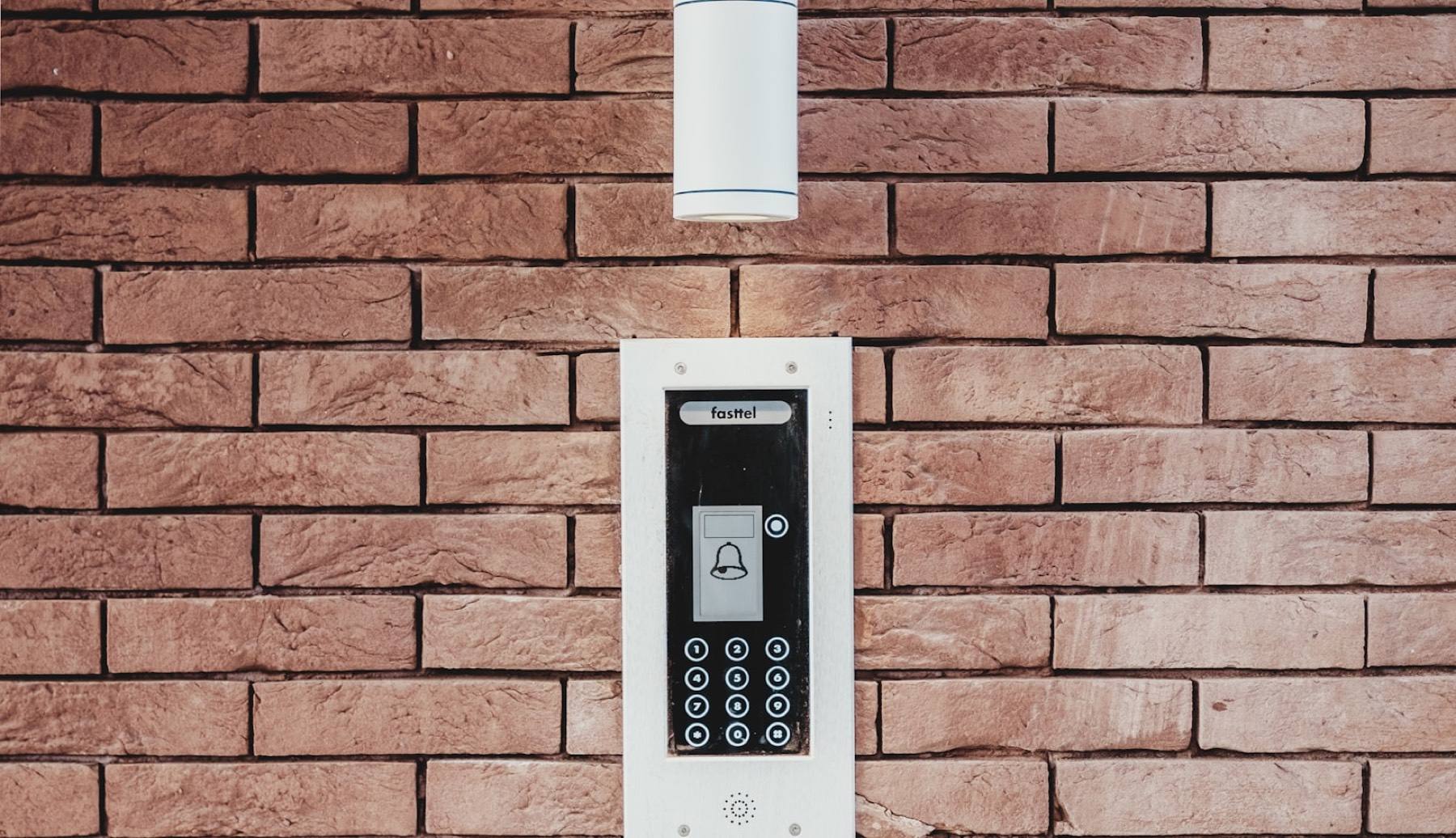
Search for apartment intercom and most of what comes up is a video doorbell: a camera, a speaker, a call button at the entry. That's the visible hardware, but it isn't the system. The system is whatever sits behind that hardware — the platform that decides who the call rings, what happens when nobody answers, who's allowed to unlock the door remotely, and how that unlock event gets logged. Two buildings can install an identical intercom panel and end up with completely different resident and staff experiences, because the difference lives in the access control platform behind the panel, not the box on the wall itself.
How the call actually reaches a resident, not just at home
The core upgrade in a modern video intercom for apartment building entries is where the call actually rings. Older systems hard-wired the call to a single in-unit station and nowhere else. Current UniFi Access intercom hardware — the equipment BUILDLAB specs and installs — routes an incoming call as a real video and voice session with several possible destinations at once:
- The resident's mobile app, wherever the phone actually is — the office, another city, a grocery store aisle
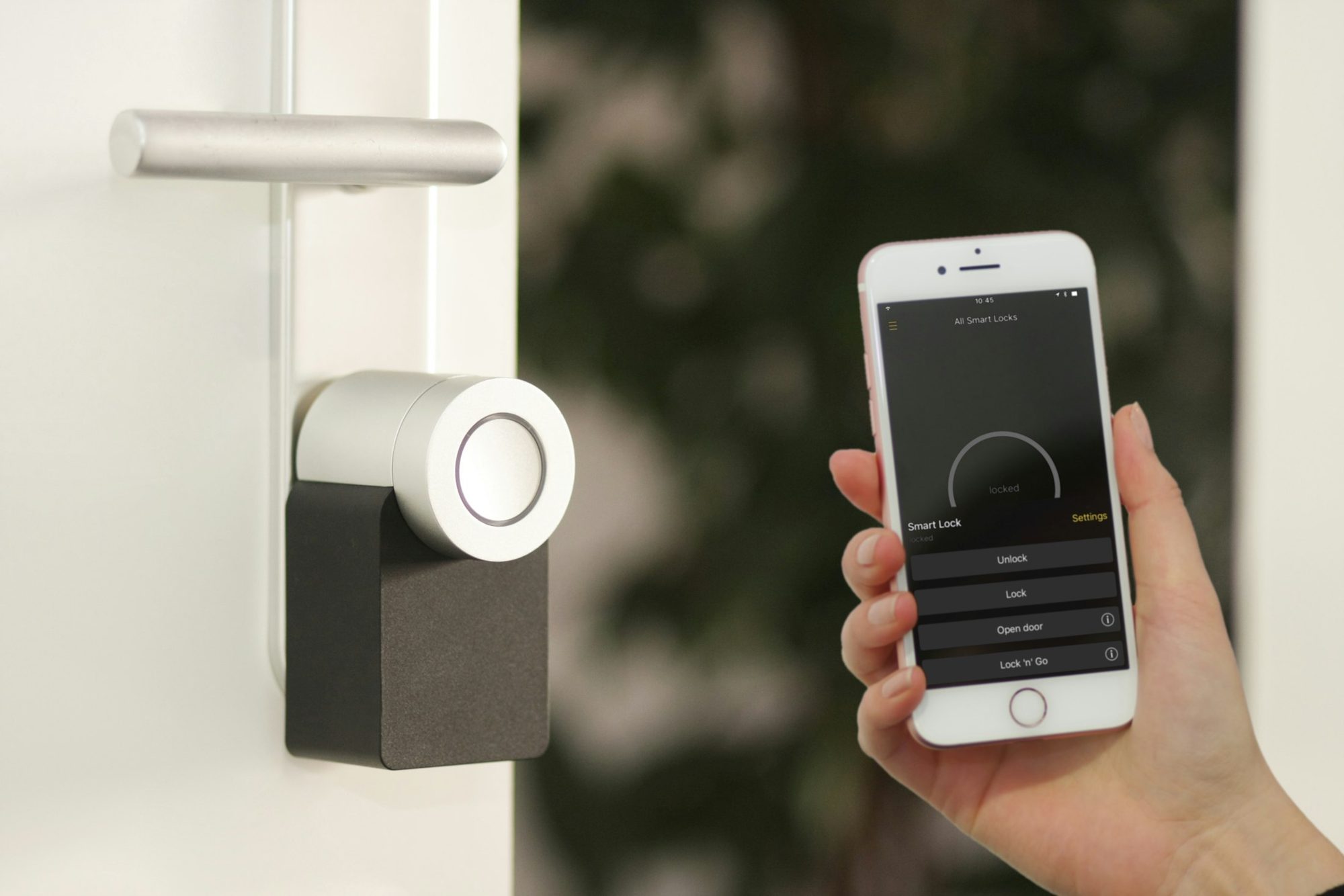
- A plain cell number, with a press-a-key-to-unlock option layered over a normal phone call for residents who never install the app
- A SIP extension, for properties that route calls through an existing phone system rather than a mobile app
- A front-desk intercom viewer, for staffed buildings that want a person answering during business hours
- A local chime at the unit, as a backup for residents who are home and prefer the old-fashioned buzz
Failover call groups matter here too. If the primary resident doesn't answer within a set window, the call can roll to a second household member, then to the leasing office. That's the actual mechanism behind "a visitor calls a phone, not an apartment" — the intercom itself didn't get smarter, the call got untethered from a fixed location and given somewhere else to go when the first attempt fails.
Three ways the door actually unlocks
A PIN or keypad code isn't a fallback bolted onto the video system as an afterthought. On hardware like the UniFi Access G6 Pro Entry, code entry happens on the same touchscreen that handles the video call, tied to the same access schedule the resident or property manager already set. The keypad and the video call aren't two separate products duct-taped together — they're two different entry points into one shared credential system.
Why the intercom can't be a standalone device
This is the part that gets missed when an intercom gets specced in isolation. A video intercom that isn't wired into the building's broader access control platform is a dead end. It can show a visitor's face and let a resident push a button, but it can't share a credential list with the door readers on the parking gate or the amenity room, it can't log an unlock event next to every other door event in the building, and it can't hand a temporary vendor code to the same system that already manages fobs and mobile credentials for residents. BUILDLAB specs intercoms as one device on the access control network rather than a parallel system running its own separate rules — the same head-end that runs card and mobile-credential readers on the front door also runs the intercom, so property management has one activity log and one place to add or remove access instead of two systems to check.
What this actually changes for property management
The operational win is the same idea seen from the other side of the leasing office desk. A vendor or delivery that used to require a physical key exchange — someone from the office meeting the vendor, handing over a key, then collecting it again later that day — can instead be handled with a remote unlock from a phone or a time-boxed PIN issued in advance. No key changes hands, nothing gets lost, and access expires on its own instead of needing to be manually revoked after the fact.
- Remote unlock for a scheduled vendor or delivery without staff walking to the door
- Time-limited PIN codes for movers, contractors, or one-time guests that expire on their own
- One shared activity log across the whole access control system, instead of a separate intercom log nobody checks
- No physical key or fob to cut, track, or collect for anyone who only needs one-time access
Real hardware, not a concept
None of this is theoretical. BUILDLAB installs UniFi Access intercom hardware — the G6 Pro Entry, G6 Entry, and G3 Intercom — and the feature set genuinely varies by model, which matters when you're deciding which unit goes where. The G6 Pro Entry has the touchscreen that handles PIN and QR code entry plus a dial-by-unit directory; the G6 Entry, without a touchscreen, doesn't offer either. Package detection is a G6 Pro Entry capability, not something every model in the line handles. Getting the model-to-location match right — main lobby versus a secondary entrance versus a parking gate — is exactly the kind of decision that belongs inside a full access control design, not a standalone intercom purchase made off a spec sheet.