 08/02/2026
 BUILDLAB
 7 min read
Apartment Security Camera Systems: What Property Managers Should Actually Buy
Ring and SimpliSafe results are built for one door. A 120-unit property needs a camera system engineered against the actual site plan — camera types, coverage math, and storage sized to the whole property, not a shopping cart.
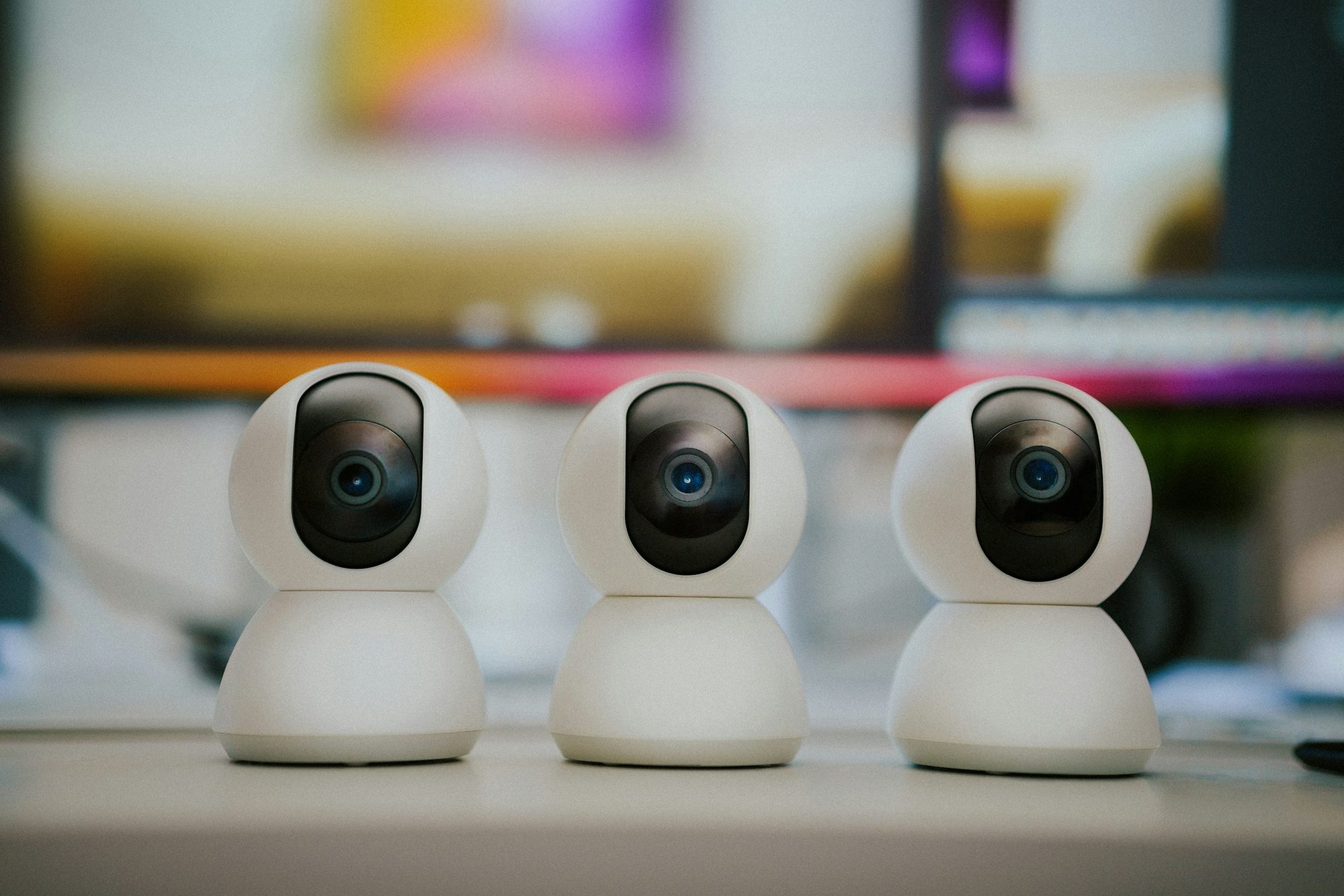
Search "apartment security camera" or "apartment security system" today and the results are almost entirely consumer hardware — Ring, SimpliSafe, Wyze, "best video doorbell" roundups aimed at a single renter buying a camera for their own front door. That's the wrong shopping list for a property. A resident protecting one unit and a property manager responsible for a 120-unit garden-style community, a mid-rise with a subterranean garage, or a senior housing campus with a dozen buildings are solving two entirely different problems, and one has almost nothing to do with the other.
A property-wide camera system — real video surveillance for an apartment property, not a doorbell app — has to cover lobbies, stairwells, parking structures, mailrooms, and amenity spaces reliably, every day, for years, not just alert one phone when a package shows up at one door. That means it gets designed against an actual site plan, camera by camera, not assembled from whatever four-pack kit is on sale that week. Here's what property managers, developers, and asset owners should actually be buying for a full property, why it looks nothing like the DIY products dominating the search results, and where the real planning work happens before a single camera goes on the wall.
What actually makes an apartment security system different from a DIY kit
A consumer kit is engineered, priced, and marketed around covering one door. Every design decision behind it — battery life, WiFi range, a single app login tied to one person's phone — assumes one household, one entry point, one owner who's also the only person who'll ever check the footage. That's a reasonable set of tradeoffs for a single-family front door. It is not a reasonable foundation for a shared property, where dozens of buildings, common spaces, and access points need coverage that keeps working whether or not any specific resident's home WiFi is having a bad day.
Scale that same consumer logic across 100-plus units and it breaks in predictable ways. Battery-powered cameras die on their own unpredictable schedule instead of a maintained one. WiFi-dependent cameras choke a shared property network once you add more than a handful, competing with residents' own devices for the same bandwidth. And there's no single owner of the system — no one person responsible for confirming the parking garage stairwell actually has coverage, because that was never anyone's job on a system built around one household's convenience.
The difference isn't really about camera quality — plenty of consumer cameras have decent image sensors. It's about whether the system was engineered as infrastructure for a property, with someone accountable for coverage, cabling, and storage, or assembled as a convenience product for one door.
Camera types and where each belongs in a surveillance camera system for apartments
Not every camera on a property should be the same camera. A system actually designed around the site works because each location gets the camera type suited to what happens there — a lobby doesn't need the same lens as a parking garage drive aisle, and a mailroom needs something neither of those does.
- Common areas — lobbies, hallways, elevator landings, clubhouse and amenity rooms: wide-angle or panoramic cameras that cover an entire room from one mounting point, prioritizing broad situational awareness over facial-level detail. One well-placed panoramic camera can replace what would otherwise take two or three narrower-angle cameras to cover the same space.
- Building and unit entries: higher-resolution cameras aimed to capture faces and packages at the door. This is the footage most likely to get pulled for an actual incident review, so resolution and camera angle matter more here than almost anywhere else on the property.
- Parking garages and surface lots: cameras with wide dynamic range and infrared night vision to handle headlights and low light, positioned at drive aisles, gate arms, and every pedestrian stairwell door that opens into the garage — not just the vehicle entrance most designs stop at.
- Perimeter and exterior: weatherproof, vandal-resistant cameras rated for outdoor exposure year-round, covering fence lines, dumpster and utility areas, and any secondary or emergency exit that a resident could use to enter or leave the property unseen.
- Mailrooms and package areas: dedicated coverage independent of whatever camera happens to be watching the hallway outside. Package theft is one of the most common reasons a property manager ends up pulling footage, and a generic hallway angle rarely captures the actual mailbox bank clearly enough to be useful.
Coverage planning: where properties actually end up with gaps
The real difference between a professionally designed system and a handful of cameras mounted wherever there happens to be a ceiling outlet is coverage planning done against the property's actual floor plan, building by building and floor by floor — not just the parking lot in front of the leasing office. This is where most self-installed or under-scoped systems actually fail, and it's rarely obvious until after an incident, when someone goes looking for footage that doesn't exist.
- Every building entry and exit gets a camera, not just the one nearest the leasing office — a system that only watches the front door has no record of who came and went through the back stairwell or the side gate.
- Stairwells and elevator lobbies — the routes residents and guests actually use to move through a multi-story building — get covered floor by floor, not just at the ground level.
- Parking garage layouts account for structural columns and ramp turns that block sightlines a single wide-angle camera can't compensate for, so coverage gets planned aisle by aisle rather than assuming one camera per level is enough.
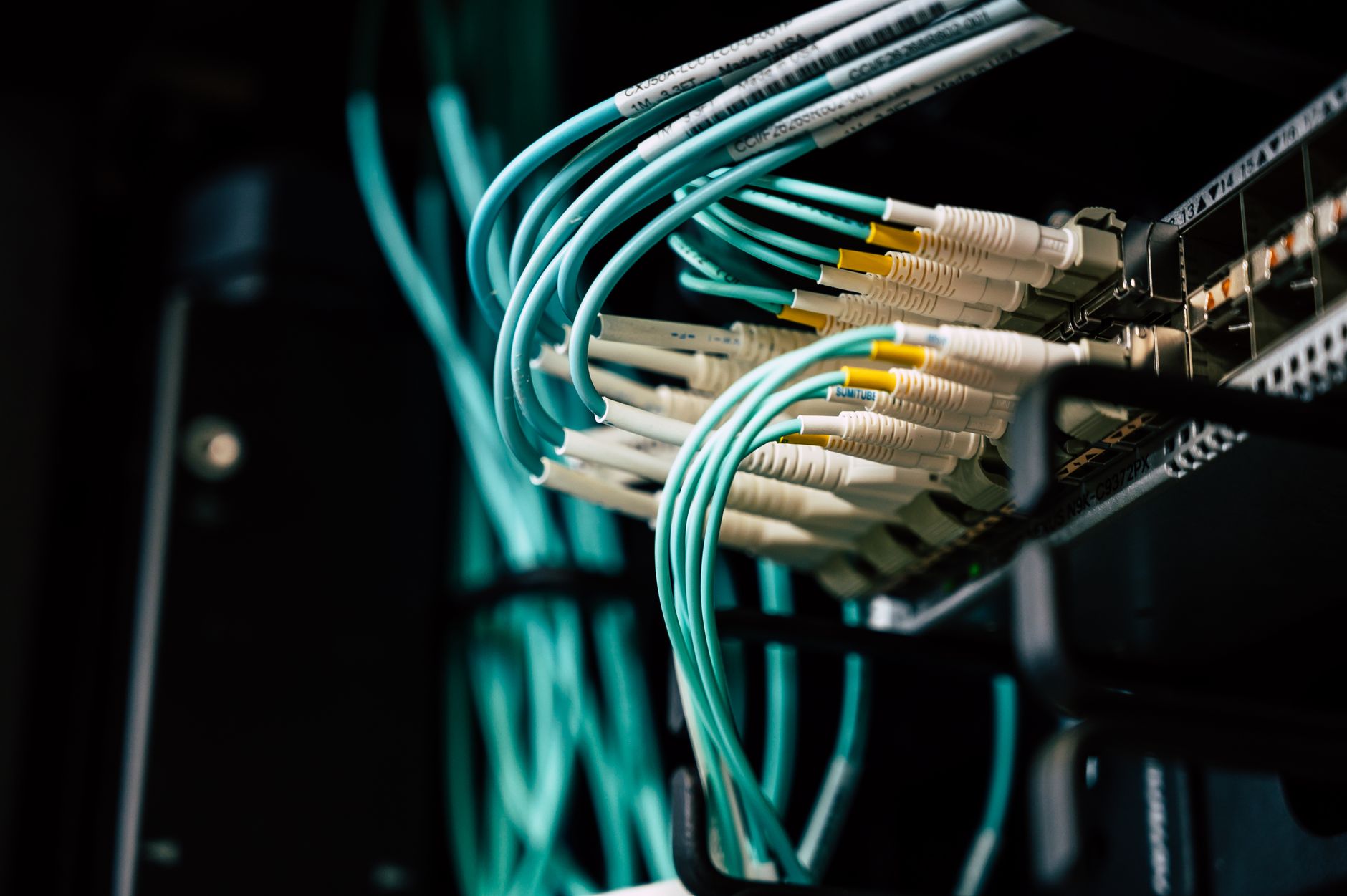
- Camera and head-end equipment placement respects real cable-run distance and mounting-height limits, not just wherever there happens to be power already run — a decision that has to be made before installation starts, not worked around after.
- Chokepoints — the one hallway, gate, or stairwell everyone has to pass through — get overlapping coverage from two angles, so a single obstructed lens or hardware failure doesn't leave a blind spot at the exact point that matters most.
None of this is guesswork once it's done properly — it's a walk of the actual site plan, floor by floor, mapping camera type and field of view against real distances, obstructions, and mounting points before a single device gets installed. That's the step a pre-packaged camera kit skips entirely, because it was never designed to be placed against a floor plan in the first place.
Surveillance system design resources
Storage and retention: sized to your camera count, not guessed at
Once camera types and placement are locked, the footage has to live somewhere. The two real options are an on-site NVR (network video recorder) or a cloud-first system, and the right answer depends on camera count, how long you need to retain footage, and how often property management actually needs to pull it — not on whichever option a salesperson pitched first. Get the camera plan wrong and the storage decision gets made off a bad number: too few cameras and you're under-retaining critical footage, too many and you're paying for cloud capacity or NVR drives you never needed in the first place.
This trade-off is detailed enough to deserve its own breakdown, and BuildLab has already written it — the NVR vs. cloud-first comparison for multifamily properties linked above covers the full cost curves and retention math. The short version: camera count and retention requirements should drive the storage decision, not the other way around. Deciding on storage architecture before the coverage plan is finalized is one of the more common ways properties end up either overpaying for capacity they don't need or running out of retention right when they actually need footage most.
What a professionally-placed camera plan actually looks like
In practice, this means someone walks — or thoroughly reviews — the actual floor plans before a single camera gets mounted, building by building and floor by floor, mapping camera type, placement, and field of view against real chokepoints, blind spots, and cable-run distances. Every camera on the plan has a reason for being exactly where it is. The count isn't padded to look thorough on paper, and it isn't short because someone tried to save money on hardware. It's sized to the property — the actual number of buildings, common areas, entries, and garage levels that need eyes on them, not a round number picked before anyone looked at the site.
That's the version of an apartment security camera system that actually holds up in daily use. It's the one an insurance carrier can rely on after a claim, the one a property manager can pull footage from without a coverage gap at the exact spot that mattered, and the one a resident asking "were there cameras when this happened?" gets a real answer to. Consumer hardware wasn't built for that job. Property-wide infrastructure, designed against your actual site, is.