
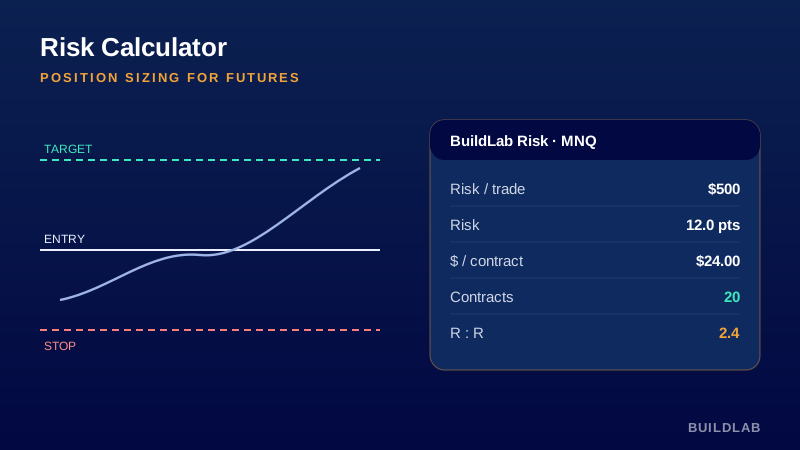
Position sizing for futures — no more napkin math at the open.
Enter your dollar risk per trade plus entry and stop, and it returns risk in points/ticks, dollar risk per contract (using the symbol’s real point value), the number of contracts that fit your risk, and the R:R to your target.
Best for: Any futures contract; pre-trade sizing and discipline.
Open it, read it, edit it — it’s yours. © BuildLab Consulting.
How to use it
Size every trade
Set your $ risk and stop distance; the “Contracts” figure is the largest position that keeps the trade within that risk.
Check the R:R
Add a target to see reward-to-risk instantly — skip setups that don’t clear your minimum.
Trust the point value
It reads the contract’s real point value, so ES, MES, NQ, MNQ, CL, GC all size correctly with no manual lookup.
Settings
- Risk per trade ($)The maximum dollars you’ll risk on the trade.
- Entry / Stop / TargetEntry (or current price), your stop, and an optional target for R:R.
- Table positionWhere the readout table sits on the chart.
Install
TradingView: open the Pine Editor, paste the .pine source, click Save, then “Add to chart.”
Ready to Work, Let's Chat
Our team of experts is ready to collaborate with you every step of the way, from initial consultation to implementation.