
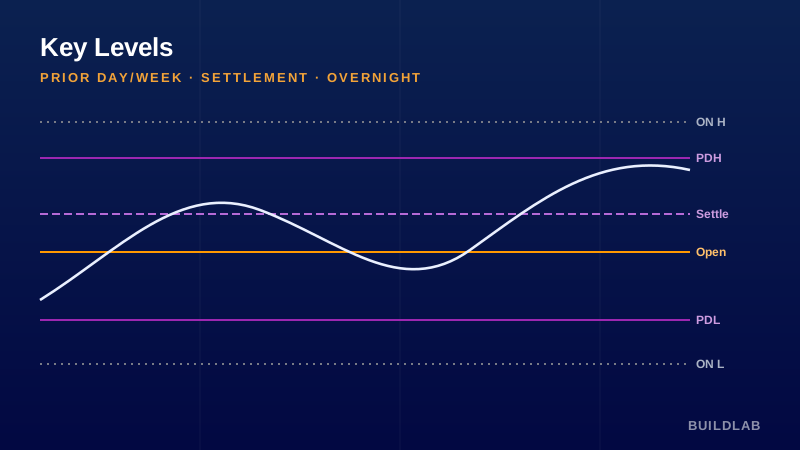
The reference levels institutions and algos actually watch.
Plots prior-day high/low/close (settlement), today’s open, prior-week high/low, and the overnight (Globex) high/low — the levels where stops cluster and price reliably reacts.
Best for: All futures; intraday and swing context.
Open it, read it, edit it — it’s yours. © BuildLab Consulting.
How to use it
Mark the battlegrounds
Prior-day H/L and the overnight H/L are where resting stops sit — expect reactions, sweeps, and reversals there.
Use settlement & open
Price relative to prior settlement and today’s open is a fast read on whether the day is net bullish or bearish.
Confluence
The highest-odds trades come where a daily and weekly level (or overnight extreme) stack up together.
Settings
- Daily levelsToggle prior-day high/low, prior-day close (settlement), and today’s open.
- Weekly levelsToggle prior-week high/low for higher-timeframe context.
- Overnight windowDefine the Globex window used for the overnight high/low.
Install
TradingView: open the Pine Editor, paste the .pine source, click Save, then “Add to chart.”
Ready to Work, Let's Chat
Our team of experts is ready to collaborate with you every step of the way, from initial consultation to implementation.