
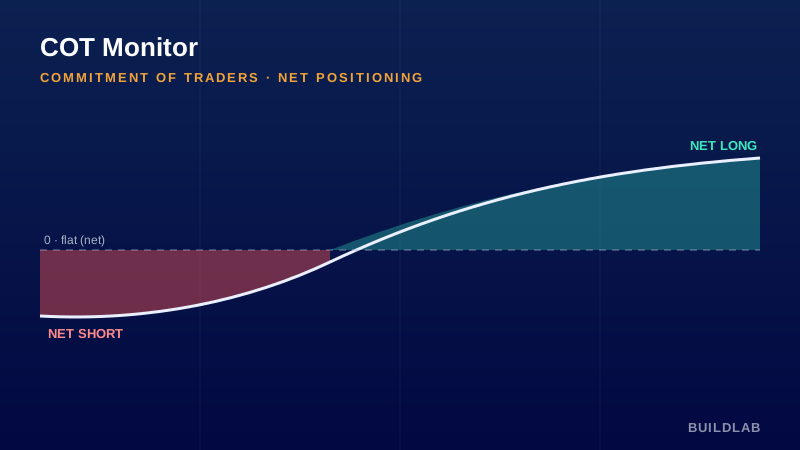
Follow the “smart money” footprint behind the contract.
Plots Commitment of Traders positioning for the charted futures product using TradingView’s public CFTC data — the selected group’s longs, shorts, and net position. Auto-detects the COT code from the chart symbol.
Best for: Outright futures (ES, NQ, CL, GC, ZB, 6E, etc.); swing and positional context.
Open it, read it, edit it — it’s yours. © BuildLab Consulting.
How to use it
Read the hedgers
Commercials are the informed hedgers — extreme net-long readings often mark value/bottoms; extreme net-short, tops.
Watch the specs
Noncommercial (large specs) are trend-followers; crowded extremes can precede reversals when positioning unwinds.
Confirm, don’t time
COT updates weekly — use it for positional bias and context, paired with your intraday levels for timing.
Settings
- Trader groupCommercial (hedgers), Noncommercial (large speculators), or Nonreportable (small traders).
Install
TradingView: open the Pine Editor, paste the .pine source, click Save, then “Add to chart.”
Ready to Work, Let's Chat
Our team of experts is ready to collaborate with you every step of the way, from initial consultation to implementation.